
Key facts
- Brand
- Toshiba
- Model
- IK-WR14A
- Industry
- Electronics
- Documents
- 2
- Languages
- EN
- Last added
- 2012-07-06
Start here
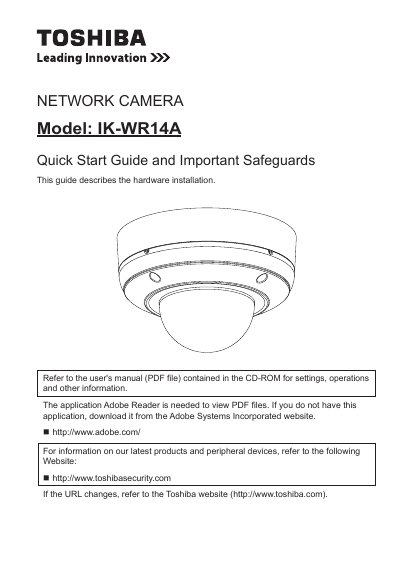
Toshiba IK-WR14A Network Camera Quick Start Guide
This document serves as a Quick Start Guide for the Toshiba IK-WR14A Network Camera. It details the hardware installation process, including setting the network environment and physical setup. The guide also covers initial configuration steps such as assigning an IP address and retrieving images. Users are directed to the separate User's Manual for settings, operations, and other detailed information.
Read onlineAll Toshiba IK-WR14A documents by type
Day-to-day operation, settings and troubleshooting. Start here if the product is already set up.
The shortest path to a working setup, usually only a few pages.
Questions answered in these manuals
Where should the camera be installed to prevent falling?
Install this camera on a secure part of the ceiling or wall.
What operating systems are compatible with this camera?
The manual lists Windows XP, Windows Vista Business, and Windows 7 Professional as compatible operating systems.
Does this camera support MAC-PC connections?
No, the device does not support direct MAC-PC connections.