
Key facts
- Brand
- Toshiba
- Model
- IK-WB01A
- Category
- Monitoring Equipment
- Industry
- Electronics
- Documents
- 2
- Languages
- EN
- Last added
- 2012-07-06
Start here
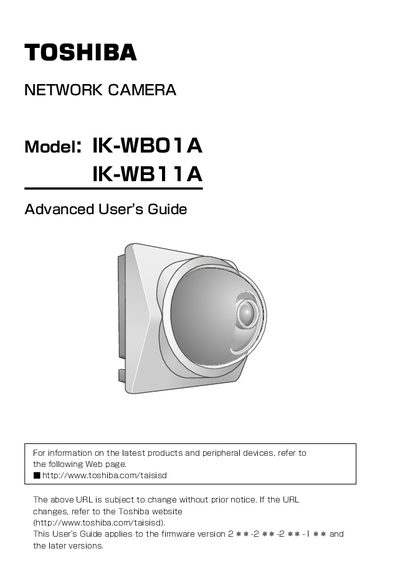
Toshiba IK-WB01A/IK-WB11A Network Camera Advanced User's Guide
This document serves as the Advanced User's Guide for the Toshiba IK-WB01A and IK-WB11A network cameras. It provides detailed instructions for administrators and users on viewing and listening to live images, managing playback functions, and configuring various camera settings such as IP addresses, security, and alarm outputs. The guide covers both indoor and outdoor installation models, with specific notes on accessories and wireless mode precautions.
Read onlineToshiba IK-WB01A specifications
| Supported SD Memory Card Capacity | 8, 16, 32, 64, 128, 256, and 512 MB |
|---|---|
| AC Adaptor Input Voltage | 100 to 240 V AC |
| AC Adaptor Output Voltage | 10V DC |
| Operating Temperature Range | -20°C to +50°C |
Source: Toshiba IK-WB01A/IK-WB11A Network Camera Basic User's Guide
All Toshiba IK-WB01A documents by type
Day-to-day operation, settings and troubleshooting. Start here if the product is already set up.
Questions answered in these manuals
Which models are covered by this guide?
This guide applies to the IK-WB01A and IK-WB11A network cameras.
From: Toshiba IK-WB01A/IK-WB11A Network Camera Advanced User's Guide
Can the IK-WB11A be used outdoors?
Yes, the IK-WB11A is designed for use either inside or outside, unlike the IK-WB01A which is for indoor use only.
From: Toshiba IK-WB01A/IK-WB11A Network Camera Advanced User's Guide
Is the IK-WB01A suitable for outdoor use?
No, the IK-WB01A is designed for indoor-use only.
From: Toshiba IK-WB01A/IK-WB11A Network Camera Basic User's Guide
Can the IK-WB11A be used outdoors?
Yes, the IK-WB11A can be used either inside or outside.
From: Toshiba IK-WB01A/IK-WB11A Network Camera Basic User's Guide