
Key facts
Start here
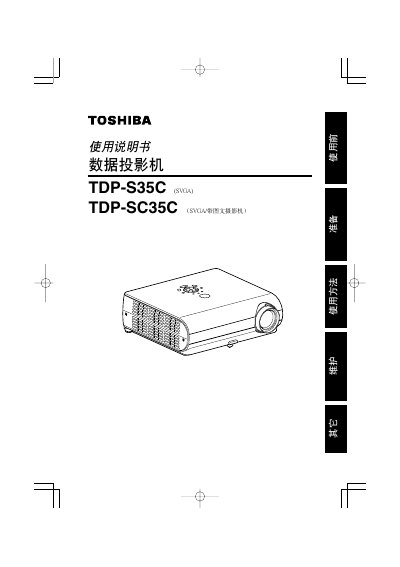
Toshiba TDP-S35C/SC35C Data Projector User Manual
This manual provides instructions for the safe operation and maintenance of the Toshiba TDP-S35C and TDP-SC35C data projectors. It details important safety precautions, such as avoiding moisture, ensuring proper ventilation, and handling the high-voltage components inside the unit. The document also covers setup procedures, including connecting power and video signals, and explains how to use the various input terminals like COMPUTER, MONITOR, and S-VIDEO. This manual is written in Chinese.
Read onlineToshiba TDP-S35 specifications
| Supported video formats | NTSC, PAL, SECAM, PAL‑M, PAL‑N, PAL‑60, NTSC4.43 |
|---|---|
| Supported resolutions | 480i, 480p, 576i, 576p, 720p, 1080i |
| Remote control battery type | AA size batteries |
Source: Toshiba TDP-S35/TDP-SC35 Data Projector Owner's Manual
All Toshiba TDP-S35 documents by type
Day-to-day operation, settings and troubleshooting. Start here if the product is already set up.
Questions answered in these manuals
What safety precaution is required regarding moisture?
Do not expose the appliance to rain or moisture, as dangerous high voltages are present inside the enclosure.
From: Toshiba TDP-S35/TDP-SC35 Data Projector Owner's Manual
What batteries does the remote control use?
The remote control requires AA size batteries.
From: Toshiba TDP-S35/TDP-SC35 Data Projector Owner's Manual
Can I open the projector cover for maintenance?
No, do not open the cover as there are dangerous high-voltage parts inside that can cause electric shock.
How long should I wait after moving the projector from a cold to a warm room?
Wait at least two hours to allow condensation to disappear before using the machine.