
The document mainly introduces the hardware installation of IK-WR14A network camera, including installation location, connection method, connection power supply, connection network cable, etc.
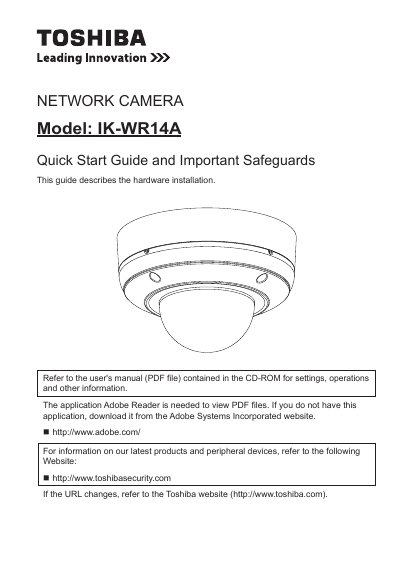
This document serves as a Quick Start Guide for the Toshiba IK-WR14A Network Camera. It details the hardware installation process, including setting the network environment and physical setup. The guide also covers initial configuration steps such as assigning an IP address and retrieving images. Users are directed to the separate User's Manual for settings, operations, and other detailed information.
Install this camera on a secure part of the ceiling or wall.