
Key facts
- Brand
- Toshiba
- Model
- IK-WB80A
- Category
- Other Electronics
- Documents
- 2
- Languages
- EN
- Last added
- 2012-07-06
Start here
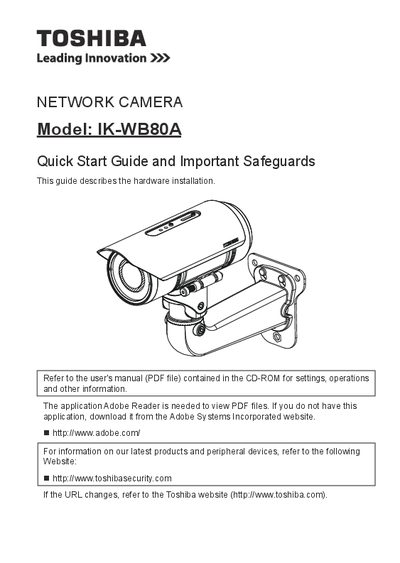
toshiba NETWORK CAMERA IK-WB88A User's Manual
This document serves as a quick start guide for the Toshiba IK-WB80A network camera. It provides essential safety information, lists package contents, and describes the physical appearance of the device. The guide focuses on hardware installation steps such as cabling assembly and network deployment.
The manual also covers initial configuration tasks like assigning an IP address and retrieving images from the camera. Finally, it includes instructions for adjusting the lens and attaching the optional sun shield to complete the setup.
All Toshiba IK-WB80A documents by type
The shortest path to a working setup, usually only a few pages.
Day-to-day operation, settings and troubleshooting. Start here if the product is already set up.
Questions answered in these manuals
What is the maximum power supply voltage for this camera?
The camera should be operated only from a 24 V DC power source.
How many screws are required to attach the sun shield?
You must use two supplied screws to fix the sun shield in place.
What is the recommended action during a lightning storm?
Unplug the camera from the wall outlet and disconnect the power supply and cable system.