
Key facts
Start here
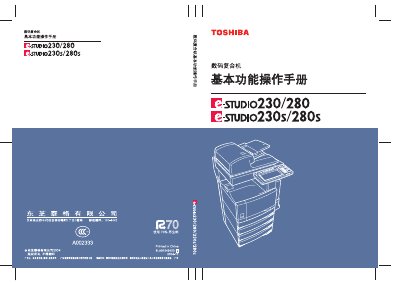
TOSHIBA STUDIO230/280/230S/280Sdigital Complex Close Machine Manual
This user manual covers all aspects of using the Toshiba e‑STUDIO230/230s/280/280s multifunction copier, including safety precautions, installation, and moving the unit. It details each component, control panel functions, and how to configure power‑saving modes.
The guide also explains copy, scan, fax, and internet fax operations, image editing features, paper handling options, job status monitoring, electronic archiving, and maintenance procedures, along with the device’s technical specifications and optional accessories. This manual is written in Chinese.
Toshiba 280s specifications
| Auto Energy Saver Power Consumption (e‑STUDIO230/230s) | < 93.55 W |
|---|---|
| Sleep Mode Power Consumption (e‑STUDIO230/230s) | < 15 W |
| Sleep Mode Power Consumption (e‑STUDIO280/280s) | < 15 W |
| Auto Energy Saver Default Time | 15 minutes |
| Sleep Mode Default Time | 40 minutes |
Source: TOSHIBA STUDIO230/280/230S/280Sdigital Complex Close Machine Manual
All Toshiba 280s documents by type
Day-to-day operation, settings and troubleshooting. Start here if the product is already set up.
Questions answered in these manuals
How long does the auto‑energy‑saver mode wait before activating?
The default auto‑energy‑saver time is 15 minutes.
From: TOSHIBA STUDIO230/280/230S/280Sdigital Complex Close Machine Manual
What is the power consumption in sleep mode?
In sleep mode the copier consumes less than 15 W.
From: TOSHIBA STUDIO230/280/230S/280Sdigital Complex Close Machine Manual