
Key facts
Start here
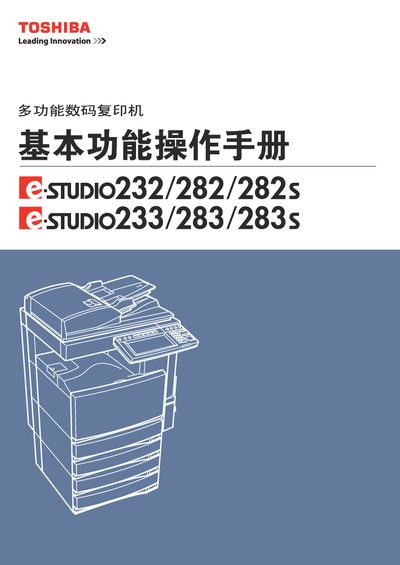
Toshiba e-STUDIO232/282/282S/233/283/283S Multifunction Copier User Manual
This manual covers the e‑STUDIO series multifunction digital copier, detailing safety warnings, component descriptions, and setup procedures. It includes step‑by‑step instructions for powering on, configuring paper trays, copying modes, image adjustments, and electronic archiving.
Safety information, recommended consumables, and detailed specifications such as scanning resolution, power consumption, and paper capacities are provided to ensure reliable operation and proper maintenance of the device. This manual is written in Chinese.
Toshiba 282S specifications
| Scanning resolution | 600 dpi x 600 dpi |
|---|---|
| Printing resolution | 2400 dpi × 600 dpi |
| Power consumption | 1.6 kW (minimum) |
| Dimensions (W×D×H) | 637 mm × 719 mm × 739 mm |
| Weight | ≈ 75 kg |
| Paper tray capacity | ≈ 550 sheets (80 g/m²) |
| Operating temperature | 10 °C – 30 °C |
Source: Toshiba e-STUDIO232/282/282S/233/283/283S Multifunction Copier User Manual
All Toshiba 282S documents by type
Day-to-day operation, settings and troubleshooting. Start here if the product is already set up.
Questions answered in these manuals
Which consumables should be used with the copier?
Use original Toshiba consumables for optimal performance.
From: Toshiba e-STUDIO232/282/282S/233/283/283S Multifunction Copier User Manual
What safety precautions are required when operating the copier?
Provide adequate ventilation because the unit emits a small amount of ozone.
From: Toshiba e-STUDIO232/282/282S/233/283/283S Multifunction Copier User Manual
How do I replace the toner cartridge in the e-STUDIO?
Refer to the section titled "更換墨粉倉符号" for step‑by‑step instructions on replacing the toner cartridge.