
This is a user manual for a network camera. It mainly introduces how to use the network camera, including installation, usage precautions, and package contents.
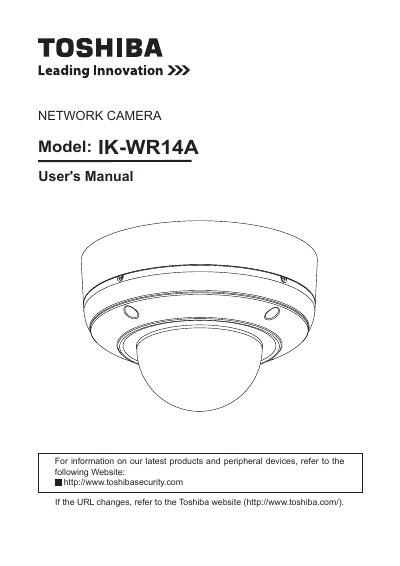
The Toshiba IK-WR14A is a network camera designed for security applications. This user's manual covers the complete lifecycle of the device, from unboxing and physical installation to software setup and daily operation.
Key topics include hardware installation guidelines, network deployment steps, and detailed instructions on accessing the camera via web browsers or RTSP players. The guide also explains how to configure system settings, manage security accounts, adjust audio and video parameters, and utilize advanced applications such as motion detection and event logging.
| Product Type | Network Camera |
|---|---|
| Model Number | IK-WR14A |
The manual lists Windows XP, Windows Vista Business, and Windows 7 Professional as compatible operating systems.
No, the device does not support direct MAC-PC connections.