
Key facts
- Brand
- Toshiba
- Model
- IK-WB30A
- Industry
- Electronics
- Documents
- 2
- Languages
- EN
- Last added
- 2012-07-06
Start here
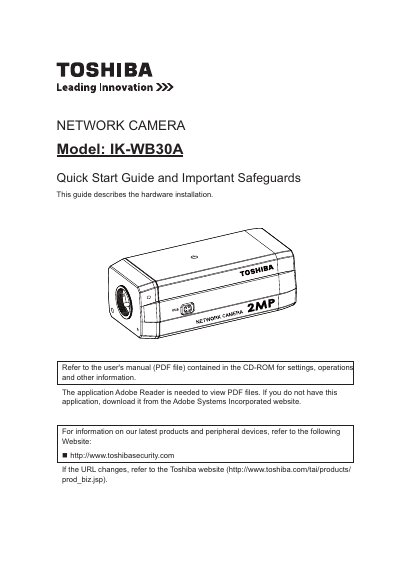
Toshiba IK-WB30A Network Camera Quick Start Guide
The document serves as a quick start guide for the Toshiba IK-WB30A Network Camera, focusing specifically on hardware installation. It directs users to a separate PDF file on the included CD-ROM for detailed settings, operations, and other information.
The guide outlines necessary system requirements for the administrator's personal computer, including Windows XP or Vista Business, Internet Explorer 7.0 or 8.0, and specific CPU and memory specifications. It also details connection equipment needs and introduces the "Installation Wizard" application found on the CD-ROM to assist in discovering the camera's IP address.
Toshiba IK-WB30A specifications
| Operating System Support | Windows XP, Windows Vista Business |
|---|---|
| Minimum CPU Requirement | 2GHz |
| Memory Requirement | 1GB RAM and 512MB Graphics Adapter |
All Toshiba IK-WB30A documents by type
Day-to-day operation, settings and troubleshooting. Start here if the product is already set up.
The shortest path to a working setup, usually only a few pages.
Questions answered in these manuals
Where can I find the full user manual for settings and operations?
Refer to the user's manual (PDF file) contained in the CD-ROM.
What software is needed to view PDF files?
The application Adobe Reader is needed.
What operating systems are compatible with this camera?
The manual lists Windows XP and Windows Vista as compatible operating systems.
Does this camera support MAC-PC?
No, this camera does not support MAC-PC.