
Key facts
- Brand
- Toshiba
- Model
- PDR-M70
- Category
- Other Electronics
- Documents
- 3
- Languages
- EN
- Last added
- 2012-03-26
Start here
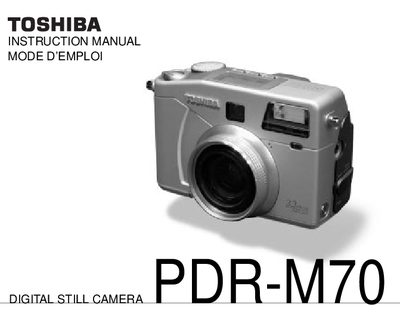
Toshiba PDR-M70 Digital Still Camera User Manual
This manual provides step‑by‑step instructions for using the Toshiba PDR-M70 digital still camera, covering basic operation, photography modes, image playback, and accessory setup. It also includes safety warnings, FCC compliance information, and contact details for technical support.
The guide details battery installation, charging, and care, as well as how to format and manage SmartMedia cards, erase images, and adjust camera settings such as exposure, white balance, and focus. Additional sections cover accessories, shoulder strap attachment, and troubleshooting tips.
All Toshiba PDR-M70 documents by type
Day-to-day operation, settings and troubleshooting. Start here if the product is already set up.
Questions answered in these manuals
How can I erase all images on the camera?
Select "Erasing All Images in a Folder" from the Erasing Images menu to delete all pictures stored in a folder.
How do I format the SmartMedia card?
Use the "Formatting SmartMedia" function in the menu to prepare the card for use.
What FCC compliance does the camera have?
The camera complies with Part 15 of the FCC Rules as a Class B digital device.
From: Toshiba PDR-M700 / PDR-M500 Digital Still Camera User Manual
What should I do if the camera causes radio or TV interference?
Try changing the direction of the antenna, moving the equipment, using a different outlet, or consulting a technician.
From: Toshiba PDR-M700 / PDR-M500 Digital Still Camera User Manual
How do I enable Large Icons on the PDR‑M700?
Open the SET‑UP menu, select ICON SIZE, and choose ENLARGED; the icons and text on the LCD monitor will be enlarged.
How can I use Manual Focus on the PDR‑M700?
Select the FOCUS option, choose MF (Manual Focus), and press OK; a manual focus icon appears and you can adjust focus with the Tele or Wide buttons.