
Key facts
- Brand
- Toshiba
- Model
- PDR-M1
- Category
- Digital cameras
- Documents
- 2
- Languages
- EN
- Last added
- 2012-03-26
Start here
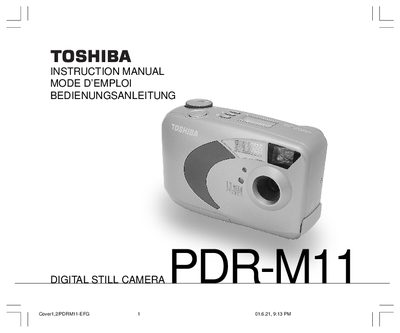
Toshiba PDR-M11 Digital Still Camera Instruction Manual
User Manual 272 pages · 3.6 MB · EN
This manual explains how to use the Toshiba PDR-M11 digital still camera safely and correctly. It includes safety precautions, handling notes, battery installation, and SmartMedia™ usage instructions.
The guide also covers camera functions such as basic photography, auto‑mode, flash, white balance, exposure compensation, and image size settings, plus troubleshooting tips for radio‑frequency interference and contact information for technical support.
Toshiba PDR-M1 specifications
| Image sensor | 4/2-inch square‑pixel CCD (1.5 million pixels) |
|---|---|
| Maximum image resolution | 1280 × 1024 pixels |
| Minimum image resolution | 640 × 480 pixels |
| Storage media | SmartMedia (3.3 V or 5 V) |
| LCD monitor size | 1.8‑inch |
| Weight | Approx. 230 g (8.6 oz) |
| Power supply | 4 AA‑size Ni‑Cd or alkaline batteries or PDR‑ACM1 AC adapter |
| Operating temperature | 0 °C to +40 °C (32 °F to 104 °F) |
All Toshiba PDR-M1 documents by type
User Manual 2
Day-to-day operation, settings and troubleshooting. Start here if the product is already set up.
Questions answered in these manuals
How many AA batteries does the PDR‑M1 require?
The camera uses four AA‑size long‑life Ni‑Cd or alkaline batteries.
Can the PDR‑M1 be used with an AC adapter?
Yes, use the PDR‑ACM1 AC adapter sold separately; other adapters may damage the camera.