
Key facts
- Brand
- Toshiba
- Model
- IK-WB21A
- Category
- Camcorders
- Industry
- Electronics
- Documents
- 2
- Languages
- EN
- Last added
- 2012-07-06
Start here
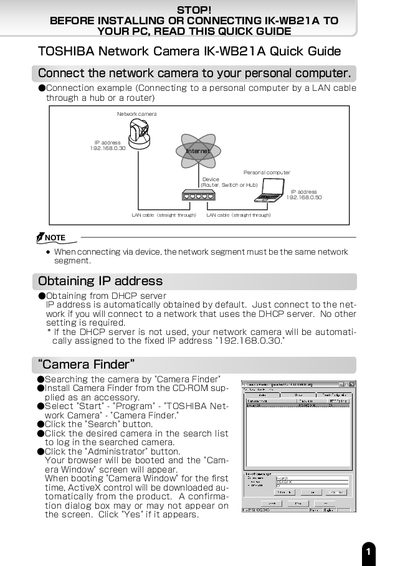
TOSHIBA IK-WB21A Network Camera Quick Guide
This document provides a quick guide for the TOSHIBA IK-WB21A network camera, covering physical connection to a PC via LAN, obtaining an IP address, and installing the Camera Finder software. It details the initial login process using the default credentials (root/ikwb) and explains how to change the administrator password for security.
Read onlineAll Toshiba IK-WB21A documents by type
Day-to-day operation, settings and troubleshooting. Start here if the product is already set up.
The shortest path to a working setup, usually only a few pages.
Questions answered in these manuals
What are the default login credentials for the camera?
Enter 'root' in the User Name text box and 'ikwb' in the password text box.
What is the default fixed IP address if DHCP is not used?
The network camera will be automatically assigned to the fixed IP address 192.168.0.30.
Is this camera suitable for outdoor installation?
No, this camera is for indoor use only and should not be installed outdoors.
What should be done if the camera causes interference with radio or television reception?
The user should try to correct the interference by reorienting the antenna, increasing separation, or connecting to a different circuit.