
Key facts
- Brand
- Toshiba
- Model
- IK-WR12A
- Industry
- Electronics
- Documents
- 2
- Languages
- EN
- Last added
- 2012-07-06
Start here
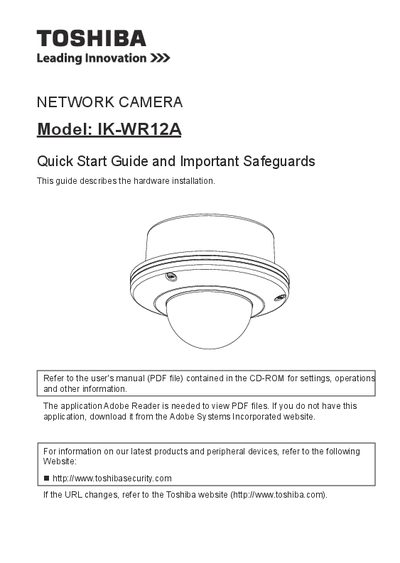
Toshiba IK-WR12A Network Camera Quick Start Guide
This document serves as a hardware installation quick start guide for the Toshiba IK-WR12A network camera. It provides instructions on setting up the physical environment, installing the device, deploying it on a network, assigning an IP address, retrieving images, and adjusting the lens.
The guide also includes important safety precautions regarding power sources, ventilation, lightning protection, and servicing. Users are directed to refer to the separate user's manual (available on CD-ROM) for detailed settings, operations, and other information not covered in this quick start document.
All Toshiba IK-WR12A documents by type
Day-to-day operation, settings and troubleshooting. Start here if the product is already set up.
The shortest path to a working setup, usually only a few pages.
Questions answered in these manuals
Where can I find detailed settings and operations?
Refer to the user's manual (PDF file) contained in the CD-ROM.
What application is needed to view the PDF files?
The application Adobe Reader is required.
What operating systems are compatible with this camera?
The camera is compatible with Windows XP, Windows Vista Business, and Windows 7 Professional operating systems.
What is the maximum number of network cameras supported?
The manual states that when using multiple network cameras, the appropriate network switch and PC are required, but it does not specify a maximum number.