
Key facts
- Brand
- Toshiba
- Model
- IK-WD14A
- Industry
- Electronics
- Documents
- 2
- Languages
- EN
- Last added
- 2012-07-06
Start here
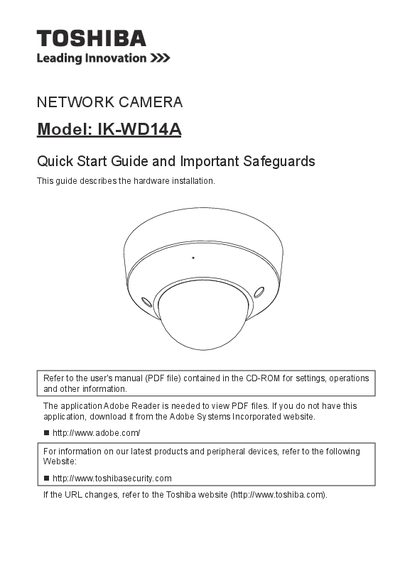
Toshiba IK-WD14A Network Camera Quick Start Guide
The document serves as a quick start guide for the Toshiba IK-WD14A network camera, focusing primarily on hardware setup. It details the necessary items for installation, physical description of the unit, and step-by-step instructions for mounting the device securely to a ceiling or wall.
Additionally, the guide covers essential safety precautions regarding power sources, ventilation, and environmental conditions such as avoiding direct sunlight or intense light. It also explains how to assign an IP address and retrieve images once the camera is installed.
All Toshiba IK-WD14A documents by type
The shortest path to a working setup, usually only a few pages.
Questions answered in these manuals
What should I do if the camera does not operate normally?
Disconnect the camera from the power supply and refer servicing to qualified service personnel.
Can I use attachments not recommended by the manufacturer?
No, do not use them as they may pose safety risks.
What is the model number of the network camera described in this guide?
The document describes the Toshiba IK-WD14A Network Camera.
What specific action must be taken before cleaning the camera?
You must disconnect the camera from the power supply before cleaning it.