
Key facts
- Brand
- Toshiba
- Model
- IK-WB15A
- Category
- Camcorders
- Industry
- Electronics
- Documents
- 3
- Languages
- EN
- Last added
- 2012-07-06
Start here
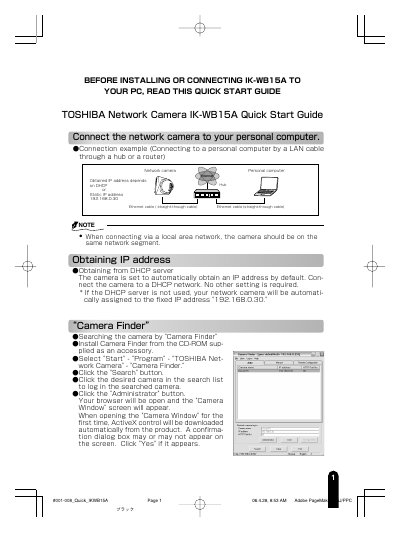
TOSHIBA IK-WB15A Network Camera Quick Start Guide
This document is a Quick Start Guide for the TOSHIBA IK-WB15A Network Camera. It provides instructions on connecting the camera to a PC via LAN, obtaining an IP address, and using the Camera Finder utility to locate and log in to the device. The guide details the default administrator credentials and how to change them for security.
Read onlineToshiba IK-WB15A specifications
| Default Administrator Login ID | root |
|---|---|
| Default Administrator Password | ikwb |
| Default User Login ID | guest |
| Default User Password | guest |
All Toshiba IK-WB15A documents by type
Day-to-day operation, settings and troubleshooting. Start here if the product is already set up.
The shortest path to a working setup, usually only a few pages.
Questions answered in these manuals
What are the default login credentials for the Toshiba IK-WB15A?
The administrator ID is 'root' with password 'ikwb', and the user ID is 'guest' with password 'guest'.
How do I connect the camera to a personal computer directly?
Connect the LAN cable (cross cable) from the camera to the personal computer while both are powered on.
What are the default administrator login credentials?
The default user name is 'root' and the password is 'ikwb'.
What is the default IP address if DHCP is not used?
The camera is automatically assigned the fixed IP address 192.168.0.30.
Which SD memory cards are compatible with the camera?
The camera supports SD cards of 64 MB, 128 MB, 256 MB, 512 MB, and 1 GB (3.3 V) capacity; using other cards may cause recording errors.