
Key facts
- Brand
- Toshiba
- Model
- ESV16
- Category
- Other Electronics
- Documents
- 2
- Languages
- EN
- Last added
- 2012-07-06
Start here
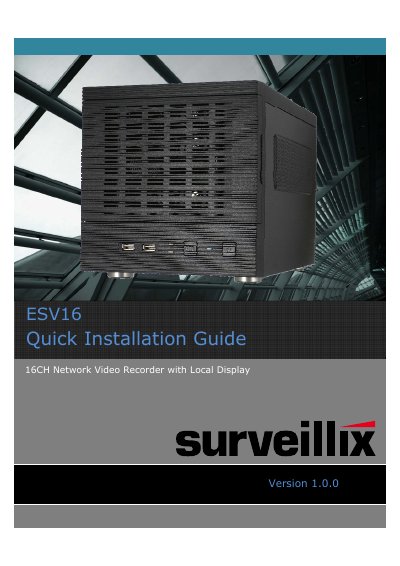
Toshiba ESV16 16CH Network Video Recorder Quick Installation Guide
The Toshiba ESV16 is a 16-channel network video recorder (NVR) featuring a local display. This Quick Installation Guide covers preliminary safety information, system overview, installation procedures for the hard drive and device connections, and initial configuration steps such as password setup.
For detailed settings, operations, and other information not covered in this quick guide, users are directed to refer to the separate User's Manual contained on the included CD-ROM. The document also lists package contents and system requirements for compatible personal computers.
All Toshiba ESV16 documents by type
The shortest path to a working setup, usually only a few pages.
Day-to-day operation, settings and troubleshooting. Start here if the product is already set up.
Questions answered in these manuals
Where can I find detailed settings and operations?
Refer to the user's manual (PDF file) contained in the CD-ROM for settings, operations and other information.
From: Toshiba ESV16 16CH Network Video Recorder Quick Installation Guide
What are the recommended PC system requirements?
The recommended system includes Windows XP/Vista/7, Internet Explorer 8.0+, Intel Core2 Duo 2.4GHz CPU, and 2GB RAM.
From: Toshiba ESV16 16CH Network Video Recorder Quick Installation Guide
How do I restore the NVR to factory default settings?
Press and hold the Reset/Restore default button for 3 seconds, then release it when the System LED blinks.
What does a blinking System LED indicate?
A blinking System LED indicates that the device is currently undergoing a firmware upgrade.