
Toshiba IK-WD14A Network Camera Quick Start Guide

This document is the quick start guide and important safeguards for the network camera IK-WD14A
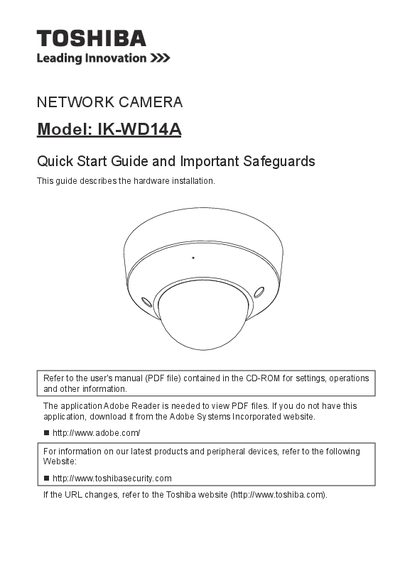

Toshiba IK-WD14A Network Camera Quick Start Guide - cover page
Brand
Toshiba
Category
Digital cameras
Document type
Quick Start Guide
Language
English
Pages
22
File format
PDF
File size
6.3 MB
Published
06 July, 2012
Updated
30 September, 2023
MD5 checksum
926230D1E1AF544051E9D973F3BF160E

About this manual

The document serves as a quick start guide for the Toshiba IK-WD14A network camera, focusing primarily on hardware setup. It details the necessary items for installation, physical description of the unit, and step-by-step instructions for mounting the device securely to a ceiling or wall.

Additionally, the guide covers essential safety precautions regarding power sources, ventilation, and environmental conditions such as avoiding direct sunlight or intense light. It also explains how to assign an IP address and retrieve images once the camera is installed.

What's inside

  • Important Safeguards
  • Notes on Use and Installation
  • Setting the Network Camera Environment
  • Items needed for network camera installation
  • Physical Description
  • Hardware Installation
  • Network Deployment
  • Assigning IP Address
  • Retrieving Images
  • Adjusting the Lens

Frequently asked questions

What should I do if the camera does not operate normally?

Disconnect the camera from the power supply and refer servicing to qualified service personnel.

Can I use attachments not recommended by the manufacturer?

No, do not use them as they may pose safety risks.

Where should I install this network camera?

Install it on a secure part of the ceiling or wall to prevent falling and injury.

Download PDF (6.3 MB)

More Toshiba Manuals


View all Toshiba manuals →