
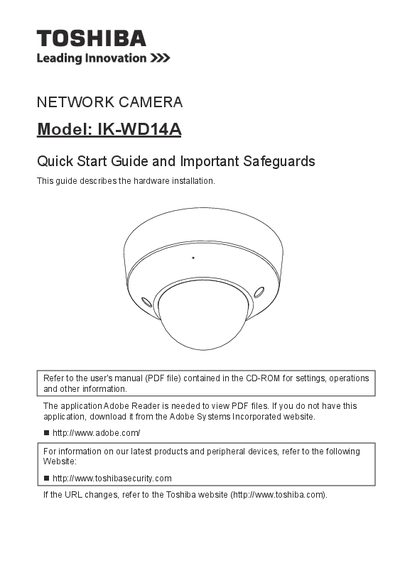
Toshiba IK-WD14A Network Camera Quick Start Guide


Toshiba IK-WD14A Network Camera Quick Start Guide - cover page
Brand
Toshiba
Category
Other Electronics
Document type
Quick Start Guide
Language
English
Pages
22
File format
PDF
File size
6.3 MB
Published
06 July, 2012
Updated
29 September, 2023
MD5 checksum
DA844A0850EA5BDDA561850ABB41B60D

About this manual

This document serves as a quick start guide for the Toshiba IK-WD14A Network Camera. It provides essential safety information, lists items needed for installation, and describes the physical description of the device.

The guide details hardware installation steps, including assigning an IP address and retrieving images. It also covers adjusting the lens, zoom, focus, and dome cover.

What's inside

  • Important Safeguards
  • Notes on Use and Installation
  • Setting the Network Camera Environment
  • Items needed for network camera installation
  • Physical Description
  • Hardware Installation
  • Network Deployment
  • Assigning IP Address
  • Retrieving Images
  • Adjusting the Lens

Specifications

Product TypeNetwork Camera

Frequently asked questions

What is the model number of the network camera described in this guide?

The document describes the Toshiba IK-WD14A Network Camera.

What specific action must be taken before cleaning the camera?

You must disconnect the camera from the power supply before cleaning it.

Where should the camera be installed to prevent it from falling?

The camera should be installed on a secure part of the ceiling or wall.

Download PDF (6.3 MB)

More Toshiba Manuals


View all Toshiba manuals →