
This is a safety instruction document for IK-WB15A network camera.
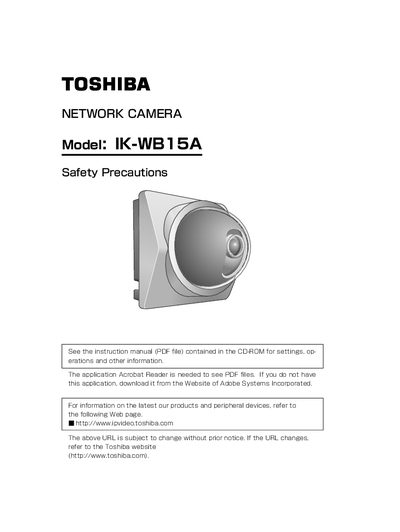
The document is a user manual for the Toshiba IK-WB15A Network Camera. It details safety precautions, lists included accessories such as the AC adapter and wall bracket, and explains how to set up the monitoring environment.
The guide covers connecting the camera to a personal computer or hub via LAN cable, configuring IP addresses, and testing connectivity using ping commands. It also provides instructions for locating the camera using the provided 'Camera Finder' software and accessing the live image via a web browser.
| Default Administrator Login ID | root |
|---|---|
| Default Administrator Password | ikwb |
| Default User Login ID | guest |
| Default User Password | guest |
The administrator ID is 'root' with password 'ikwb', and the user ID is 'guest' with password 'guest'.
Connect the LAN cable (cross cable) from the camera to the personal computer while both are powered on.