
The document provides instructions on using Camera Finder to search for cameras and obtain the camera's IP address.
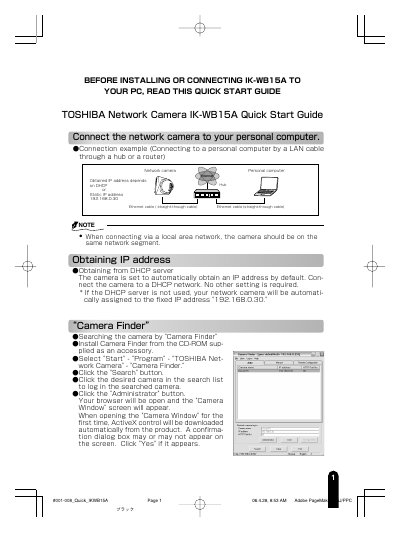
This document is a Quick Start Guide for the TOSHIBA IK-WB15A Network Camera. It provides instructions on connecting the camera to a PC via LAN, obtaining an IP address, and using the Camera Finder utility to locate and log in to the device. The guide details the default administrator credentials and how to change them for security.
The default user name is 'root' and the password is 'ikwb'.
The camera is automatically assigned the fixed IP address 192.168.0.30.
Click the Zoom in button to zoom in on the image up to a maximum of 2.6x.