
Toshiba IK-WB01A/IK-WB11A Network Camera Advanced User's Guide

This is a user's guide for NETWORK CAMERA IK-WB01A IK-WB11A
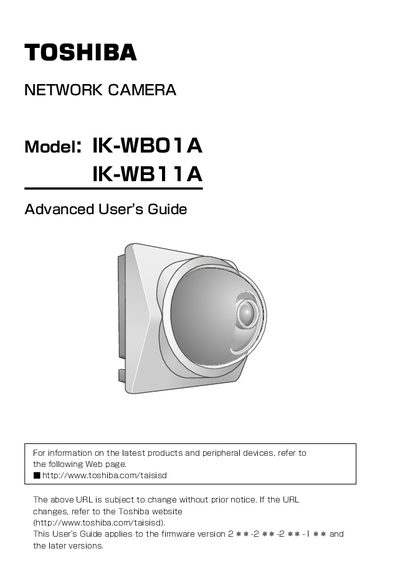

Toshiba IK-WB01A/IK-WB11A Network Camera Advanced User's Guide - cover page
Brand
Toshiba
Category
Monitoring Equipment
Document type
User Manual
Language
English
Pages
142
File format
PDF
File size
4.5 MB
Published
06 July, 2012
Updated
30 September, 2023
MD5 checksum
9E17D32602CE7AF071A80CA14AA2BDB6

About this manual

This document serves as the Advanced User's Guide for the Toshiba IK-WB01A and IK-WB11A network cameras. It provides detailed instructions for administrators and users on viewing and listening to live images, managing playback functions, and configuring various camera settings such as IP addresses, security, and alarm outputs. The guide covers both indoor and outdoor installation models, with specific notes on accessories and wireless mode precautions.

What's inside

  • Introduction
  • Accessories
  • Viewing and Listening
  • Recording Images
  • Configuring the Camera
  • Updating the Firmware
  • Alarm Terminals
  • Specifications
  • Appearance Diagram
  • Errors and Messages

Specifications

SD Memory Card Support8 to 512 MB

Frequently asked questions

Which models are covered by this guide?

This guide applies to the IK-WB01A and IK-WB11A network cameras.

Can the IK-WB11A be used outdoors?

Yes, the IK-WB11A is designed for use either inside or outside, unlike the IK-WB01A which is for indoor use only.

What is the minimum spacing required for wireless mode operation?

During wireless mode operation, a minimum spacing of 20cm (8 inches) between people and the equipment is recommended.

Download PDF (4.5 MB)

More Toshiba Manuals


View all Toshiba manuals →