
This document is the basic user's guide for network camera IK-WB01A and IK-WB11A, which introduces the hardware composition, installation, setup, other operations and troubleshooting of network camera.
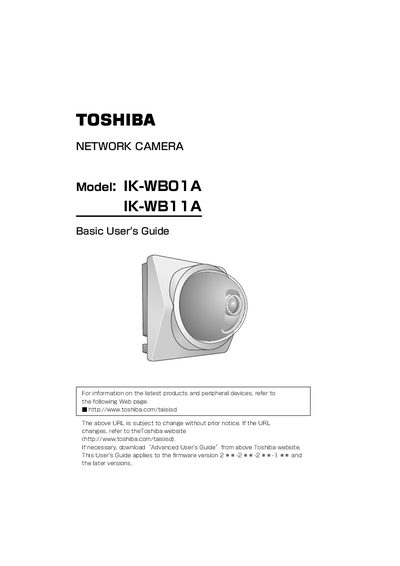
This document serves as a basic user's guide for the Toshiba IK-WB01A and IK-WB11A Network Cameras. It covers essential safety instructions, an overview of the device features, and step-by-step procedures for installation in both indoor and outdoor environments.
The manual provides detailed instructions on connecting the camera to a network via LAN cable or wireless LAN (Ad-hoc/Infrastructure modes). It also explains how to configure network settings, use the Camera Finder application, log in as an administrator, and manage basic camera functions such as security and multi-screen display.
| Supported SD Memory Card Capacity | 8, 16, 32, 64, 128, 256, and 512 MB |
|---|---|
| AC Adaptor Input Voltage | 100 to 240 V AC |
| AC Adaptor Output Voltage | 10V DC |
| Operating Temperature Range | -20°C to +50°C |
No, the IK-WB01A is designed for indoor-use only.
Yes, the IK-WB11A can be used either inside or outside.
There should be a minimum of 20cm (8 inches) spacing between people and the equipment.