
This document is a user manual for a digital camera, including a camera section and a software section. The camera section provides an overview of basic operations for turning on the camera, taking photos, and reviewing photos. The advanced operations section provides more details on shooting and reviewing photos, as well as customizing camera settings, printing pictures, and connecting the camera to a computer. The software section explains how to download images from the camera to a computer, as well as display and edit these images. It also includes safety warnings, the need for a photography test, and copyright information.
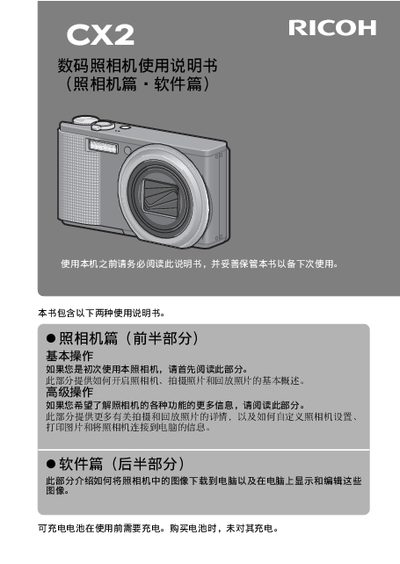
This manual covers safety precautions, battery handling, SD‑card usage, and basic camera operation such as turning the device on, setting language and date, and composing shots. It also details advanced functions like zoom, macro, flash, self‑timer, and playback, plus instructions for connecting to a computer and printing via PictBridge.
The appendix includes full technical specifications, a troubleshooting guide for common issues like USB connection problems, and contact information for Ricoh service centers worldwide. This manual is written in Japanese.
| Effective pixel count | ≈9.29 MP |
|---|---|
| Image sensor | 1/2.3" CMOS (≈10.29 MP total) |
| Lens focal length | 4.9 mm – 52.5 mm (35 mm equiv. 28 mm – 300 mm) |
| Maximum aperture | F3.5 – F5.6 |
| Optical zoom | 10.7 × |
| Digital zoom | 4.8 × |
| Maximum image resolution | 3456 × 2592 |
| ISO sensitivity range | ISO 80 – ISO 1600 |
The camera uses a standard SD memory card.
Yes, using the PictBridge function with a compatible printer.
Use only the specified AC adapter supplied with the camera; other adapters may cause fire or electric shock.