
User manual, introducing the camera's usage methods
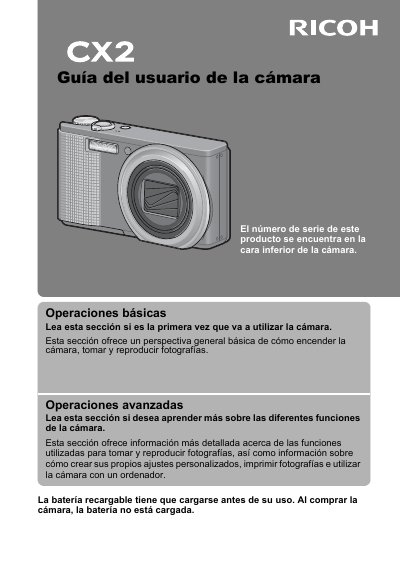
This manual serves as a comprehensive guide for the Ricoh CX2 camera, detailing how to power on the device, capture and review photographs, and utilize advanced functions. It includes specific instructions for creating custom settings, printing photos, and connecting the camera to a computer. Users are advised to read the entire guide before using the product to maximize its features. Note that the rechargeable battery must be charged before first use, as it is not included in the package. This manual is written in Spanish.
The serial number is located on the bottom of the camera.
The rechargeable battery must be charged before use because it is not charged when you buy the camera.
You should clean the area and rinse it with plenty of water, then wash the area with water and soap.