
This is a camera user manual, which contains a basic operation and advanced operation introduction of the camera
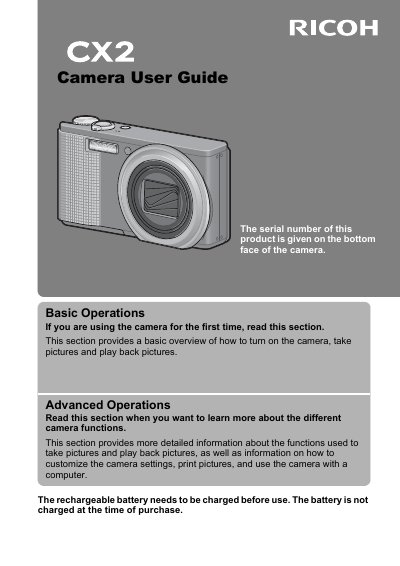
This document serves as the official user guide for the Ricoh CX2 camera. It covers essential operations such as turning on the device, taking pictures, and playing back images. The guide is divided into sections for basic operations suitable for first-time users and advanced operations for those wishing to customize settings and use the camera with a computer.
The manual also includes critical safety precautions regarding the use of the camera, battery, and accessories. It details warning symbols, emergency procedures for liquid crystal leaks, and specific guidelines for charging and storing the battery to prevent hazards like fire or explosion.
The rechargeable battery is not charged at the time of purchase and must be charged before use.
Wash your eyes with clean water for at least 15 minutes and seek medical advice immediately.
The support center is open from 9:00 AM to 5:00 PM.