
SP1200 Laser Printer Quick Install Guide, introduces the installation, use and maintenance of the printer
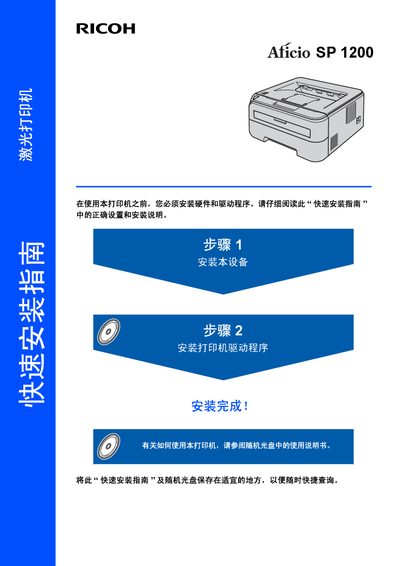
The guide begins with safety warnings and symbols to prevent electric shock, burns, and damage to the printer. It explains the laser classification, radio‑frequency compliance, and proper grounding requirements before any work is performed.
It then walks the user through installing the printer hardware, loading the toner and drum units, connecting the USB cable, and installing the printer driver on a computer. Packing list contents, control‑panel indicators, and troubleshooting tips are also included. This manual is written in Chinese.
| Laser Class | Class 1 (laser product) |
|---|---|
| Laser Hazard Class | 3B |
| Maximum Radiation Power | 10 mW |
| Wavelength | 780‑800 nm |
| EMC Standard | EN55022 / CISPR Publication 22, Class B |
| USB Interface Speed | Up to 12 Mbits/s |