
The document is a user manual for the SP 1200SF printer, providing information on the printer's features and operation.
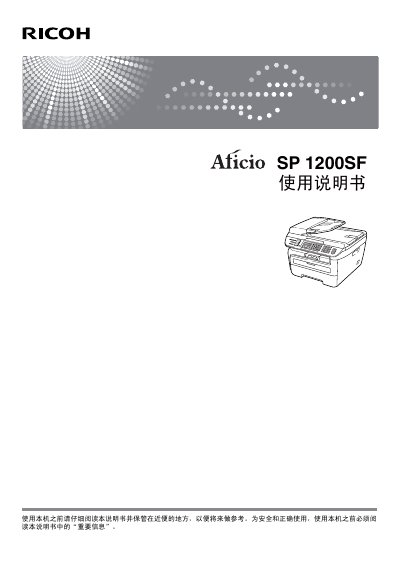
This manual covers all aspects of the Ricoh SP 1200SF fax machine, including an overview of the device, loading paper and originals, general settings, safety features, and detailed fax functions. It also explains telephone and external device connections, dialing, remote fax options, polling, and how to print reports.
Additional sections describe copying functions, software usage, troubleshooting, routine maintenance, menu programming, specifications, and a glossary of terms. The document is intended for end‑users and service technicians who need to install, operate, and maintain the machine safely and efficiently. This manual is written in Chinese.
| Paper tray capacity | 250 sheets (A4, Letter, Executive, A5, A6, B5, B6) |
|---|---|
| Supported paper weight | 75‑90 g/m² |
| Paper thickness | 80‑110 µm |
| Supported paper types | 普通纸和再生纸 |
The paper tray can hold up to 250 sheets of standard paper.
Open the front cover and gently clean the laser window with a soft, lint‑free cloth.