
Key facts
- Brand
- Philips
- Model
- SPF1528
- Category
- Other Electronics
- Industry
- Electronics
- Documents
- 2
- Languages
- ZH
- Last added
- 2012-03-27
Start here
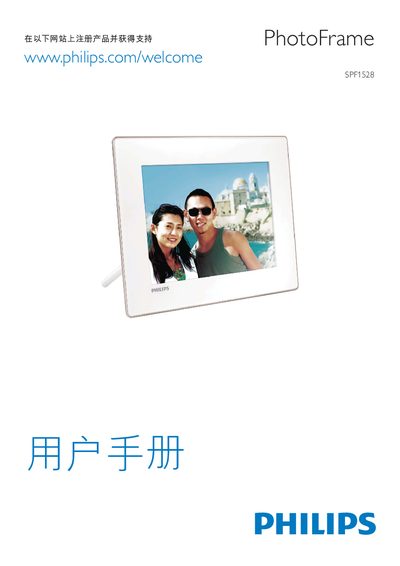
Philips SPF1528 Photo Frame User Guide
The Philips SPF1528 Photo Frame is a digital picture display that supports a variety of image and video formats. It can play MPEG‑4, H.264, and other common video codecs, and displays images up to high resolutions.
The device is powered via a standard power connector and includes USB and SD/MMC slots for media input. The on‑screen menu lets you navigate settings, adjust playback, and manage files stored on the supported memory cards. This manual is written in Chinese.
Philips SPF1528 specifications
| Maximum image resolution | up to 8000 × 8000 pixels |
|---|---|
| Supported video codecs | MPEG‑4, H.264 |
| Supported audio formats | PCM (128‑536 kbps, 8‑48 kHz), ADPCM (32‑384 kbps, 8‑48 kHz), AAC (8‑256 kbps, 8‑48 kHz) |
All Philips SPF1528 documents by type
Day-to-day operation, settings and troubleshooting. Start here if the product is already set up.
Questions answered in these manuals
What image file formats can I use?
The frame supports JPEG, BMP and other common image types.
What audio formats are supported?
Audio playback works with PCM, ADPCM and AAC streams within the listed bitrate ranges.
What power adaptor does the SPF1528 require?
The SPF1528 uses a power adaptor model ASSA1I‑090100 with an input of AC 100‑240 V ~ 50‑60 Hz 0.3 A and an output of DC 9 V 1000 mA.
How should I clean the screen of the photo frame?
Turn off and unplug the frame, then clean the screen with a soft, water‑damp cloth; do not use alcohol, chemicals, or household cleaners.