
Key facts
- Brand
- Philips
- Model
- SPF1017
- Category
- Other Electronics
- Industry
- Electronics
- Documents
- 2
- Languages
- EN
- Last added
- 2012-03-27
Start here
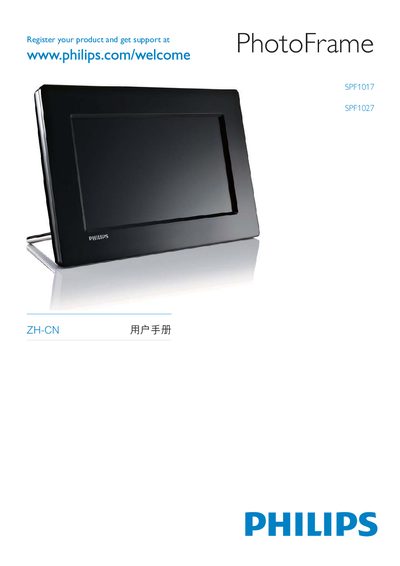
Philips SPF1017 / SPF1027 Digital Photo Frame User Manual
This manual begins with important safety and environmental information, then introduces the digital photo frame and the items included in the package. It guides you through registering the product, connecting the power adapter, installing the stand, and attaching storage devices such as SD cards or USB drives.
Subsequent sections cover how to play, manage and edit photos, set the clock, adjust language and display settings, and protect the memory card. The document ends with product specifications, a FAQ, and a glossary of terms.
All Philips SPF1017 documents by type
Day-to-day operation, settings and troubleshooting. Start here if the product is already set up.
Questions answered in these manuals
How do I change the language on the PhotoFrame?
Open the Setup Menu, select Language, and choose your preferred language.
How can I enable the Auto Dim feature?
In the Setup Menu go to Auto Dim and turn the Auto ON/OFF switch on.