
The document describes the features and characteristics of the Philips SPF1528 PhotoFrame.
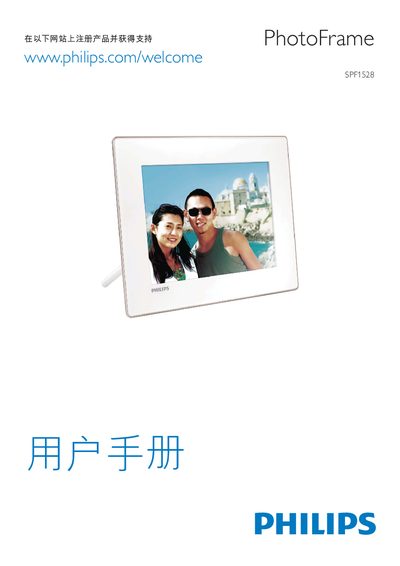
The Philips SPF1528 Photo Frame is a digital picture display that supports a variety of image and video formats. It can play MPEG‑4, H.264, and other common video codecs, and displays images up to high resolutions.
The device is powered via a standard power connector and includes USB and SD/MMC slots for media input. The on‑screen menu lets you navigate settings, adjust playback, and manage files stored on the supported memory cards. This manual is written in Chinese.
| Maximum image resolution | up to 8000 × 8000 pixels |
|---|---|
| Supported video codecs | MPEG‑4, H.264 |
| Supported audio formats | PCM (128‑536 kbps, 8‑48 kHz), ADPCM (32‑384 kbps, 8‑48 kHz), AAC (8‑256 kbps, 8‑48 kHz) |
The frame supports JPEG, BMP and other common image types.
Audio playback works with PCM, ADPCM and AAC streams within the listed bitrate ranges.
Connect the supplied power adapter to the BACK|POWER connector on the unit.