
This is a WiFi wireless photo frame that can be controlled remotely via a mobile app
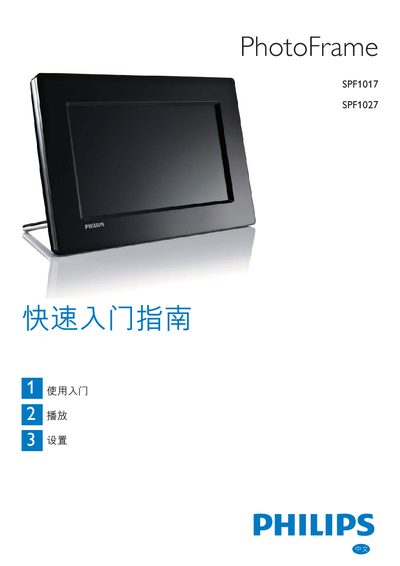
This guide provides step‑by‑step instructions for setting up the Philips SPF1017/SPF1027 PhotoFrame, selecting storage media, and navigating the on‑screen menus. It covers the Photo Menu, Collage mode, and options for displaying multiple photos in a slideshow.
Additional sections describe how to adjust language, configure the clock, enable Auto Dim, and use factory defaults. The manual also includes registration information and trademark notices.
Open the Setup Menu, select Language, and choose your preferred language.
In the Setup Menu go to Auto Dim and turn the Auto ON/OFF switch on.
Open the Clock Menu, select Time and Date, and set the hour, minute and 12/24‑hour format.