
Key facts
- Brand
- Philips
- Model
- DVP3015K
- Category
- Other Electronics
- Industry
- Electronics
- Documents
- 3
- Languages
- ZH · EN
- Last added
- 2012-03-27
Start here
Philips DVP3015K DVD Player User Manual
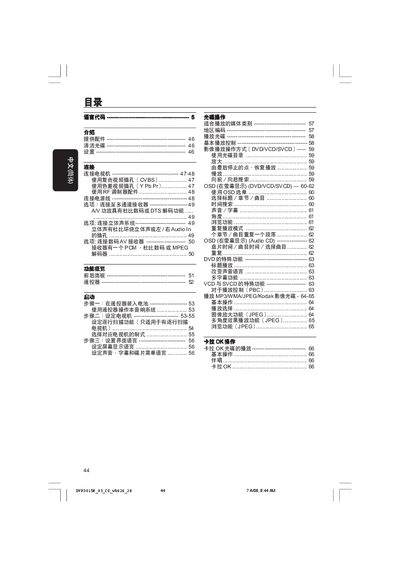
This manual guides you through installing the Philips DVP3015K DVD player, including connecting power, video and audio cables, and configuring TV settings such as composite (CVBS) or component (Y Pb Pr) inputs. It also explains how to insert batteries into the remote, use the on‑screen display, and adjust language, subtitles and playback options.
A dedicated troubleshooting section lists common problems—no power, no picture, audio issues, disc errors—and provides step‑by‑step checks and solutions. Safety warnings, cleaning instructions for discs, and specifications for video/audio outputs, power consumption and dimensions are also included.
Philips DVP3015K specifications
| Video Output | CVBS |
|---|---|
| Video Input | CVBS |
| Component Video | Supported |
| Audio Output | L/R stereo |
| Audio Input | Stereo |
All Philips DVP3015K documents by type
Day-to-day operation, settings and troubleshooting. Start here if the product is already set up.
Questions answered in these manuals
How do I play or pause a DVD?
Press the PLAY/PAUSE button on the remote control.
How can I lock the disc to prevent ejection?
Use the Disc Lock function in the Setup menu.
How can I connect the DVD player to my TV using composite video?
Use the yellow CVBS video cable to connect the DVD player’s VIDEO OUT jack to the TV’s composite video input (often labeled A/V In, Video In, or Composite).
What is the standby power consumption of the DVD player?
The standby power consumption is less than 0.8 W.