
The document is about an audio system and its setup. It includes instructions for connecting the system to a TV and other devices, as well as steps for operating the remote control and playing discs. The audio system has multiple connection options and playback features.
This manual is for the Philips DVP5965K DVD player. It explains placement, ventilation, cleaning discs, and the supplied accessories.
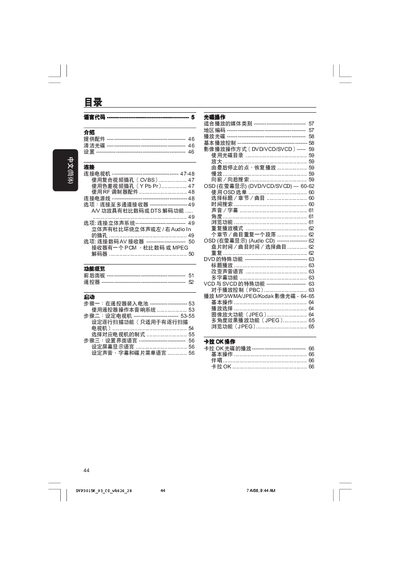
It also covers TV and audio connections, front and rear panel controls, remote control use, startup, disc playback, OSD controls, USB and media playback, karaoke, DVD setup menus, troubleshooting, specifications, and glossary terms. This manual is written in Chinese.
The package includes a composite video cable (yellow), an audio cable (white/red), a remote control, and two batteries.
Use a soft cloth with microfibers and wipe from the center of the disc in a straight line to the edge; do not use solvents such as benzene or thinner.
Place it on a flat, hard, and stable surface, with at least 10 cm behind and above it and 5 cm on each side for ventilation.
Use the yellow composite video cable to connect the DVD system VIDEO OUT jack to the TV composite video input.