
This document is a user manual for a product, which introduces its accessories, cleaning methods, setup steps, connection methods, overview of functions, remote control usage, and disc operation.
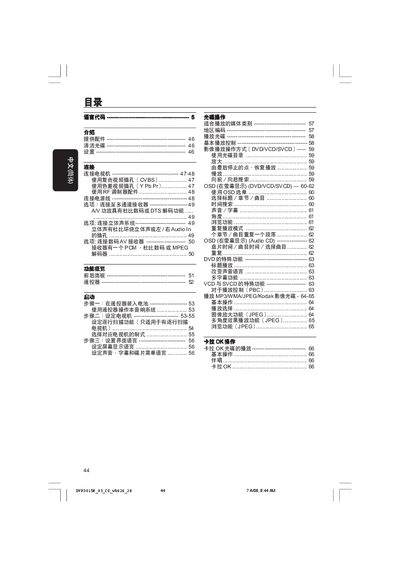
This manual guides you through installing the Philips DVP3015K DVD player, including connecting power, video and audio cables, and configuring TV settings such as composite (CVBS) or component (Y Pb Pr) inputs. It also explains how to insert batteries into the remote, use the on‑screen display, and adjust language, subtitles and playback options.
A dedicated troubleshooting section lists common problems—no power, no picture, audio issues, disc errors—and provides step‑by‑step checks and solutions. Safety warnings, cleaning instructions for discs, and specifications for video/audio outputs, power consumption and dimensions are also included.
| Video output (Y Pb Pr) voltage | 0.7 Vpp to 75 Ω |
|---|---|
| Power supply | 110‑240 V, 50/60 Hz |
| Power consumption (operating) | 10 W |
| Power consumption (standby) | < 0.8 W |
| Dimensions (W × H × D) | 360 × 37 × 235 mm |
| Weight | ≈ 2.0 kg |
Use the yellow CVBS video cable to connect the DVD player’s VIDEO OUT jack to the TV’s composite video input (often labeled A/V In, Video In, or Composite).