
Key facts
- Brand
- Panasonic
- Model
- PT-43LC14
- Category
- Player
- Industry
- Appliances
- Documents
- 2
- Languages
- EN
- Last added
- 2012-05-03
Start here
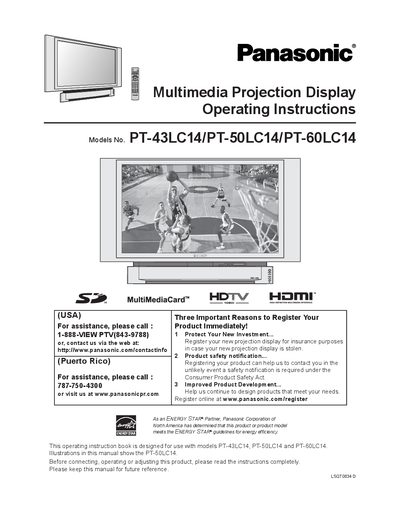
Panasonic PT-43LC14/PT-50LC14/PT-60LC14 Multimedia Projection Display Operating Instructions
This manual provides safety guidelines, installation steps, and detailed operating instructions for Panasonic PT-43LC14, PT-50LC14 and PT-60LC14 multimedia projection displays. It includes information on remote control setup, lamp replacement, menu navigation, and troubleshooting.
The document also covers recommended cable types, ventilation requirements, and warranty registration procedures, helping users set up and maintain the projection display safely and efficiently.
All Panasonic PT-43LC14 documents by type
Day-to-day operation, settings and troubleshooting. Start here if the product is already set up.
Questions answered in these manuals
How many AA batteries does the remote control require?
The remote control requires two AA batteries, which are supplied with the unit.
From: Panasonic PT-43LC14/PT-50LC14/PT-60LC14 Multimedia Projection Display Operating Instructions
Where can the product be registered for warranty and safety notifications?
Register the projection display online at www.panasonic.com/register.
From: Panasonic PT-43LC14/PT-50LC14/PT-60LC14 Multimedia Projection Display Operating Instructions
How can I register my Panasonic projection display?
You can register online at www.panasonic.com/register or call 1‑888‑VIEW PT (843‑9788).
From: Panasonic PT-43LC14/PT-50LC14/PT-60LC14 Multimedia Projection Display User Manual
What safety precautions should I follow before using the projection display?
Read the safety instructions, keep the unit away from water, ensure ventilation, and do not open the cover.
From: Panasonic PT-43LC14/PT-50LC14/PT-60LC14 Multimedia Projection Display User Manual