
Key facts
- Brand
- Panasonic
- Model
- DMP-BD30
- Category
- Player
- Industry
- Appliances
- Documents
- 2
- Languages
- EN · ZH
- Last added
- 2012-06-01
Start here
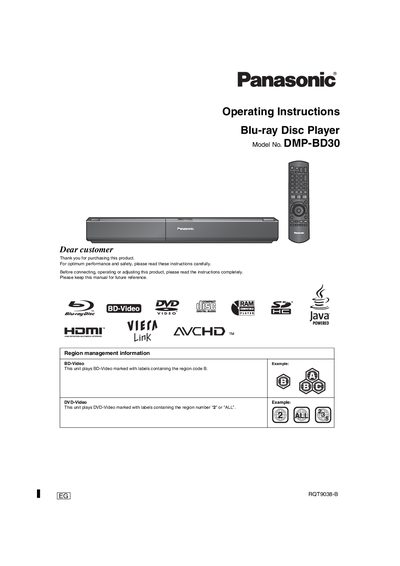
Panasonic DMP-BD30 Blu-ray Disc Player Operating Instructions
These operating instructions cover safety precautions, accessory information, and initial setup for the Panasonic DMP‑BD30 Blu‑ray Disc Player. They explain how to connect the AC mains lead, replace the 5‑ampere fuse, and handle the remote‑control batteries.
The manual also details supported disc and card formats, connection options (Audio/Video, Component, HDMI, digital audio), and playback functions such as BD‑Video, DVD‑Video, and audio files. Settings for HDMI video mode, audio output, and speaker configuration are provided to achieve high‑definition video and surround‑sound audio.
Panasonic DMP-BD30 specifications
| Standby Power Consumption | < 1 W |
|---|---|
| Input Voltage | 230‑240 V, 50 Hz |
| Fuse Rating | 5 A |
| Remote Control Battery Type | R6/LR6, AA |
| Recommended HDMI Cable | RP‑CDHG10 (1.0 m) High Speed HDMI |
Source: Panasonic DMP-BD30 Blu-ray Disc Player Operating Instructions
All Panasonic DMP-BD30 documents by type
Day-to-day operation, settings and troubleshooting. Start here if the product is already set up.
Questions answered in these manuals
What batteries should be used in the remote control?
Use R6/LR6 (AA) alkaline batteries; do not use rechargeable, mixed, or damaged batteries.
From: Panasonic DMP-BD30 Blu-ray Disc Player Operating Instructions