
Key facts
Start here
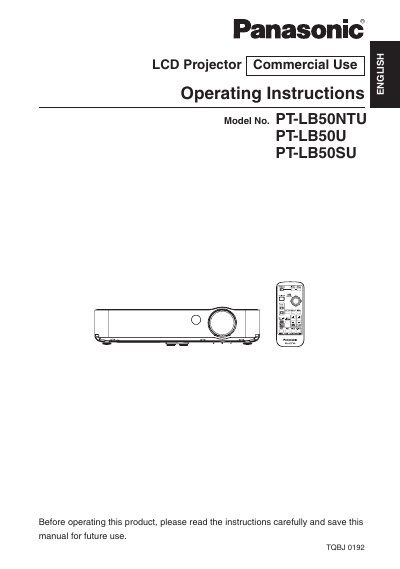
Panasonic PT-LB50NTU PT-LB50U PT-LB50SU Manual
This manual provides operating instructions for the Panasonic PT-LB50NTU, PT-LB50U, and PT-LB50SU LCD projectors. It covers safety precautions, preparation, and the location of parts before beginning use. The document details how to set up the projector, including projection methods, distances, and connecting to various video and computer equipment.
Read onlinePanasonic PT-LB50NTU specifications
| Wireless Frequency Band | 2.4 GHz band |
|---|---|
| Operating System | Microsoft Windows 2000 Professional/XP Home Edition/XP Professional |
| CPU Requirement | Pentium III or faster or compatible processor |
| RAM Requirement | 256 MB or more |
| Hard Disk Capacity | 60 MB or more |
| Wireless Standard | 802.11 b/g |
| Web Browser | Internet Explorer 6.0 or newer |
| DirectX Requirement | DirectX 8.1b or newer |
Source: Panasonic (PT-LB50NTE/PT-LB55NTE/PT-LB60NTE) (PT-LB50NTU/PT-LB60NTU) Manual
All Panasonic PT-LB50NTU documents by type
Day-to-day operation, settings and troubleshooting. Start here if the product is already set up.
Questions answered in these manuals
What voltage range is required to operate this projector?
The projector is designed to operate on 100 V - 240 V AC house current.
What power cord is required for voltages higher than 125 V?
You must obtain a separate 250 V power cord if you need to use higher voltages than 125 V.
Is a radio station license required to use the projector's wireless function?
No, a radio station license is not required, but users must read and understand the usage notes before use.
From: Panasonic (PT-LB50NTE/PT-LB55NTE/PT-LB60NTE) (PT-LB50NTU/PT-LB60NTU) Manual
Can the projector's wireless communication penetrate steel reinforcements or concrete?
No, wireless communication radio waves cannot penetrate steel reinforcements, metal, or concrete.
From: Panasonic (PT-LB50NTE/PT-LB55NTE/PT-LB60NTE) (PT-LB50NTU/PT-LB60NTU) Manual