
Panasonic PT-43LC14/PT-50LC14/PT-60LC14 Multimedia Projection Display Operating Instructions

PT-43LC14/PT-50LC14/PT-60LC14 are three projection display products from Panasonic. These products meet the ENERGY STAR® guidelines for energy efficiency.
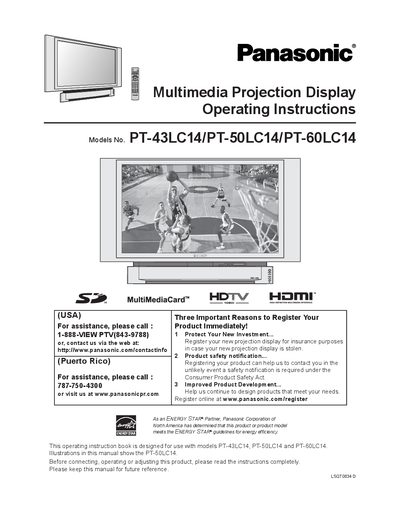

Panasonic PT-43LC14/PT-50LC14/PT-60LC14 Multimedia Projection Display Operating Instructions - cover page
Brand
Panasonic
Category
Player
Document type
User Manual
Language
English
Pages
88
File format
PDF
File size
4.6 MB
Published
03 May, 2012
Updated
30 September, 2023
MD5 checksum
4C285DCA6054B4E249F38E459476841E

About this manual

This manual provides safety guidelines, installation steps, and detailed operating instructions for Panasonic PT-43LC14, PT-50LC14 and PT-60LC14 multimedia projection displays. It includes information on remote control setup, lamp replacement, menu navigation, and troubleshooting.

The document also covers recommended cable types, ventilation requirements, and warranty registration procedures, helping users set up and maintain the projection display safely and efficiently.

What's inside

  • Safety Instructions
  • Installation
  • Basic Menu Navigation
  • Adjusting Screen Position and Size
  • Replacing the Lamp Unit
  • Troubleshooting
  • Specifications

Frequently asked questions

How many AA batteries does the remote control require?

The remote control requires two AA batteries, which are supplied with the unit.

Where can the product be registered for warranty and safety notifications?

Register the projection display online at www.panasonic.com/register.

When should the lamp be replaced?

Replace the lamp as soon as the lamp‑warning message appears, after it has cooled.

Download PDF (4.6 MB)

More Panasonic Manuals


View all Panasonic manuals →