
Panasonic PT-43LC14/PT-50LC14/PT-60LC14 Multimedia Projection Display User Manual

This is the operating instructions for Panasonic PT-43LC14/PT-50LC14/PT-60LC14 multimedia projection display.
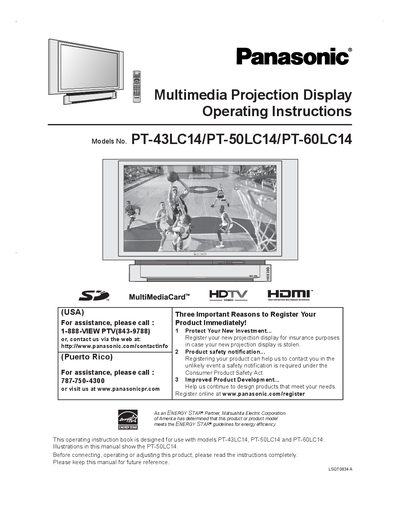

Panasonic PT-43LC14/PT-50LC14/PT-60LC14 Multimedia Projection Display User Manual - cover page
Brand
Panasonic
Category
Other Electronics
Document type
User Manual
Language
English
Pages
88
File format
PDF
File size
4.4 MB
Published
25 November, 2011
Updated
30 September, 2023
MD5 checksum
250F6DE1B8DA4B0DC7E94BF4F6622F45

About this manual

This manual covers important safety instructions, proper installation, and basic operation of the Panasonic PT-43LC14, PT-50LC14, and PT-60LC14 multimedia projection displays. It explains how to register the product, avoid electric shock, and ensure adequate ventilation.

The guide also details menu navigation, audio and picture adjustments, lamp replacement procedures, troubleshooting tips, and technical specifications such as recommended viewing distances. Follow the steps to achieve optimal performance and longevity of the projection display.

What's inside

  • Important Safety Instructions
  • Before Using
  • Location of Controls
  • Basic Menu Navigation
  • Projection Display Operation
  • Audio Adjustments
  • Picture Adjustments
  • Lamp Replacement
  • Troubleshooting
  • Specifications

Frequently asked questions

How can I register my Panasonic projection display?

You can register online at www.panasonic.com/register or call 1‑888‑VIEW PT (843‑9788).

What safety precautions should I follow before using the projection display?

Read the safety instructions, keep the unit away from water, ensure ventilation, and do not open the cover.

Download PDF (4.4 MB)

More Panasonic Manuals


View all Panasonic manuals →