
Key facts
- Brand
- Panasonic
- Model
- AG-MX70
- Industry
- Electronics
- Documents
- 2
- Languages
- JA
- Last added
- 2012-08-09
Start here
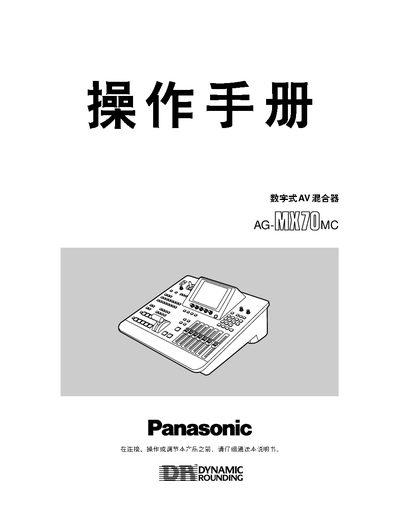
Panasonic AG-MX70 User Manual
This manual begins with safety precautions, warning users to keep the unit out of sealed enclosures, avoid liquids, and not press the front panel unnecessarily. It also outlines proper installation, power connection, and the use of the included installation CD.
The document then describes the front‑panel controls, external interfaces (GPI, RS‑422A/RS‑232C, USB, BNC), and the many video and audio processing functions such as DSK, color key, luminance key, and 3‑D effects. Memory handling, preset functions, and troubleshooting notes are also covered. This manual is written in Japanese.
Panasonic AG-MX70 specifications
| Maximum pressure | 35 VDC |
|---|---|
| Maximum current | 50 mA |
| USB version | 1.1 (max length 3 m) |
| RS‑422A/RS‑232C selectable | D‑sub 9‑pin |
| BNC connectors | 4 inputs (75 Ω) |
Source: Panasonic AG-MX70 User Manual
All Panasonic AG-MX70 documents by type
Day-to-day operation, settings and troubleshooting. Start here if the product is already set up.
Questions answered in these manuals
What safety precautions should be taken before operating the AG‑MX70?
Do not install the unit in a sealed enclosure, keep it away from liquids, and avoid pressing the front panel unnecessarily.