
Key facts
- Brand
- Panasonic
- Model
- WV-CW374
- Category
- Video Player
- Documents
- 2
- Languages
- EN
- Last added
- 2012-08-08
Start here
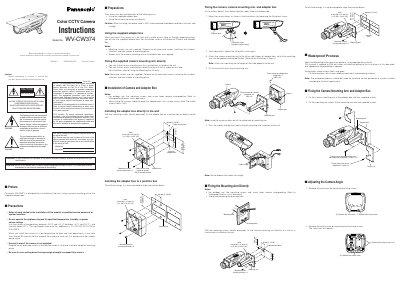
Panasonic WV-CW374 Color CCTV Camera Installation Instructions
This document provides installation instructions for the Panasonic WV-CW374 Color CCTV camera. It details two primary mounting methods: using the supplied adapter box or fixing the camera mounting arm directly to a wall or junction box. The guide emphasizes that all work should be performed by qualified service personnel and includes specific precautions regarding temperature, humidity, and power ratings.
Read onlinePanasonic WV-CW374 specifications
| Operating Temperature | -30°C to +50°C (-22°F to 122°F) |
|---|---|
| Humidity | below 90 % |
| Input Power (WV-CW374) | 12 V DC/24V AC 60 Hz |
| Cable Access Hole Size | G3/4" |
Source: Panasonic WV-CW374 Color CCTV Camera Installation Instructions
All Panasonic WV-CW374 documents by type
Day-to-day operation, settings and troubleshooting. Start here if the product is already set up.
Questions answered in these manuals
Who should perform the installation of this product?
All work related to the installation should be made by qualified service personnel or system installers.
From: Panasonic WV-CW374 Color CCTV Camera Installation Instructions
Is there a warm-up time required after starting in low temperatures?
Yes, it may take around 30 minutes for the inside of the camera to warm up.
From: Panasonic WV-CW374 Color CCTV Camera Installation Instructions
What is the recommended operating temperature range for the camcorder?
The camera should be used at temperatures between –30 °C and +50 °C.
How can I disable the SUPER‑D2 function?
Select the SUPER‑D2 item in the ALC CONT menu and choose OFF.