
Key facts
- Brand
- Panasonic
- Model
- WV-NS202
- Category
- Digital cameras
- Documents
- 6
- Languages
- EN · JA
- Last added
- 2012-08-08
Start here
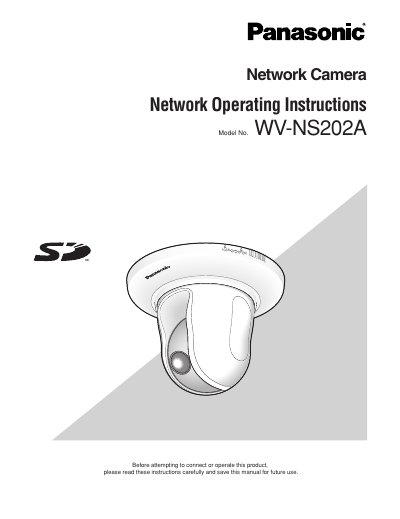
Panasonic WV-NS202A Network Camera Operating Instructions
This document provides operating instructions for the Panasonic WV-NS202A network camera. It details how to monitor images from a single or multiple cameras on a PC using web browsers and viewer software like 'Network Camera View3'.
The guide covers configuring various settings via a setup menu accessible through a browser, including basic settings, image/audio capture, multi-screen display, alarm functions, authentication, server connections, network parameters, schedules, and maintenance logs. It also explains how to transmit images to FTP servers or save them on an SD memory card.
Panasonic WV-NS202 specifications
| JPEG (VGA) frame rate | 5 fps |
|---|---|
| JPEG (QVGA) frame rate | 10 fps |
| MPEG‑4 (VGA/QVGA) frame rate | 30 fps |
| Maximum simultaneous MPEG‑4 users | 8 |
All Panasonic WV-NS202 documents by type
Day-to-day operation, settings and troubleshooting. Start here if the product is already set up.
Mounting, wiring and first power-up. Read it before the hardware goes in.
Questions answered in these manuals
What software is required to view images from the camera on a PC?
The viewer software "Network camera View3" must be installed on the PC to display images.
From: Panasonic WV-NS202 Network Camera Operating Instructions
What software is required to view images from the camera on a PC?
The viewer software 'Network Camera View3' must be installed on the PC.
From: Panasonic WV-NS202A Network Camera Operating Instructions
What are the default login credentials for the camera?
The default user name is 'admin' and the password is '12345'.
From: Panasonic WV-NS202A Network Camera Operating Instructions
Who is qualified to perform the installation of this product?
All work related to the installation should be made by qualified service personnel or system installers.
What network speed is required to operate this camera?
The camera is designed to operate using a PC on a network with 100BASE-T/100BASE-TX capabilities.
Which HTTP port does the camcorder use by default?
The camcorder uses port 80 by default; you can change it if needed.