
Key facts
Start here
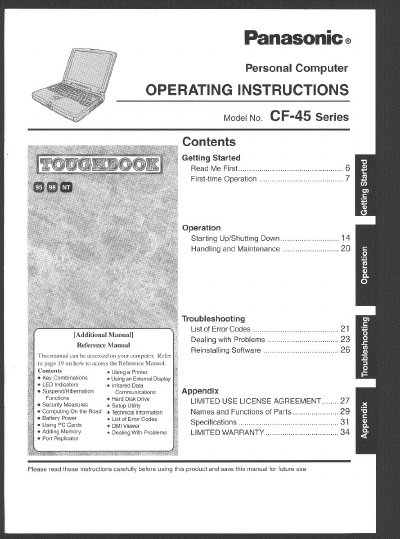
Panasonic CF45K series Manual
This document provides operating instructions for the Panasonic Personal Computer Model No. CF-45 Series. It includes guidance on getting started with first-time operation, starting up and shutting down the system, and using various features such as printers, external displays, and infrared data communications.
The manual also covers handling and maintenance precautions to ensure proper use of the device, including temperature limits, humidity avoidance, and safety warnings regarding lithium batteries and laser components. Additionally, it provides troubleshooting steps for dealing with problems and lists error codes.
Panasonic CF-45 Series specifications
| Operation Temperature | 5 °C to 35 °C (41 °F to 95 °F) |
|---|---|
| Storage Temperature | -20 °C to 60 °C (-4 °F to 140 °F) |
| Maximum Cable Length | 3 m (9.84 feet) |
Source: Panasonic CF-45 Series Personal Computer Operating Instructions
All Panasonic CF-45 Series documents by type
Day-to-day operation, settings and troubleshooting. Start here if the product is already set up.
Questions answered in these manuals
What is the model number of this computer?
The Model No. is CF-45 Series.
Where can I find the 12-digit Model No. on the device?
It is located on the bottom of the computer.
Can I replace the lithium battery myself?
No, the battery should only be exchanged by service personnel due to explosion risks.
From: Panasonic CF-45 Series Personal Computer Operating Instructions
What are the operating and storage temperature ranges for the CF-45 Series?
The computer should be operated between 5 °C and 35 °C, and stored between -20 °C and 60 °C.
From: Panasonic CF-45 Series Personal Computer Operating Instructions