
Key facts
- Brand
- Panasonic
- Model
- CF-VEB272
- Category
- Other Computer Accessories
- Documents
- 3
- Languages
- EN
- Last added
- 2012-08-08
Start here
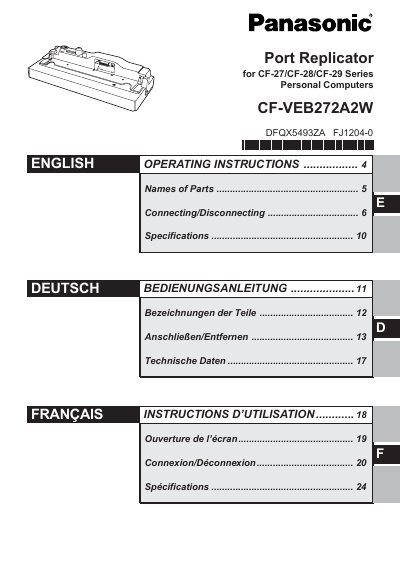
Panasonic CF-VEB272A2W Port Replicator Operating Instructions
This document provides operating instructions for the Panasonic CF-VEB272A2W port replicator, designed for use with the CF-27, CF-28, and CF-29 series of personal computers. The manual details the names of parts, including various ports and jacks, and explains how to properly connect and disconnect the device to ensure safe operation.
Read onlinePanasonic CF-VEB272 specifications
| Power Supply | 15.6 VDC |
|---|---|
| Expansion Bus Connector | 80 pins (female) |
| Parallel Port | D-sub 25 pins (female) |
| External Display Port | Mini D-sub 15 pins (female) |
| Serial Port A | D-sub 9 pins (male) |
| Serial Port B | D-sub 9 pins (male) |
| Microphone Jack | Mini-jack, 3.5 mm DIA |
| Headphone Jack | Mini-jack, 3.5 mm DIA |
| Keyboard Port | Mini-DIN 6 pins (female) |
| Mouse Port | Mini-DIN 6 pins (female) |
| USB Port | 4 pins, USB 2.0 |
| Dimensions | 334 mm x 127 mm x 86 mm |
| Weight | Approx. 1.9 kg |
Source: Panasonic CF-VEB272A2W Port Replicator Operating Instructions
All Panasonic CF-VEB272 documents by type
Day-to-day operation, settings and troubleshooting. Start here if the product is already set up.
Questions answered in these manuals
Is it recommended to use an interface cable longer than 3 meters?
No, using an interface cable longer than 3 meters (9.84 feet) is not recommended.
From: Panasonic CF-VEB272A2W Port Replicator Operating Instructions
Can the port replicator function using the computer's battery power?
No, the port replicator will not function using the computer's battery power; an AC adaptor must be used.
From: Panasonic CF-VEB272A2W Port Replicator Operating Instructions
Can I connect two keyboards or two mouse devices at the same time?
No, although you can swap connections between the keyboard and mouse ports, two of either device cannot be connected simultaneously.
From: Panasonic CF-VEB272 Port Replicator Operating Instructions
What should I do if the computer malfunctions while attached to the port replicator?
First refer to the troubleshooting section of the computer's operating instructions. If the problem persists, power off the computer and check if it operates normally without the replicator.
From: Panasonic CF-VEB272 Port Replicator Operating Instructions