
Key facts
- Brand
- Panasonic
- Model
- WV-NS202ACH
- Category
- Digital cameras
- Industry
- Electronics
- Documents
- 2
- Languages
- JA
- Last added
- 2026-10-21
Start here
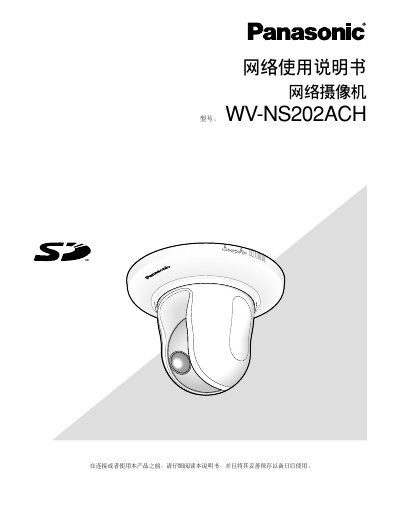
Panasonic WV-NS202ACH Network Camera User Manual
The document is a user manual for the Panasonic WV-NS202ACH network camera. It covers essential topics such as initial setup, viewing images on a web browser, configuring settings via menus, and connecting auxiliary devices. The guide includes detailed instructions on using features like real-time monitoring, multi-screen display, video recording to SD cards, and various PTZ (Pan-Tilt-Zoom) functions including auto-tracking and 360-degree mapping. This manual is written in Japanese.
Read onlinePanasonic WV-NS202ACH specifications
| Simultaneous Users | Up to 8 users |
|---|---|
| Real-time Refresh Rate (JPEG VGA) | 5 fps |
| Real-time Refresh Rate (MPEG-4 ON) | Up to 15 fps with VMD |
| Default Username | admin |
| Default Password | 12345 |
All Panasonic WV-NS202ACH documents by type
Day-to-day operation, settings and troubleshooting. Start here if the product is already set up.
Questions answered in these manuals
What are the default login credentials for the camera?
The default username is 'admin' and the password is '12345'.
How many users can view the camera feed simultaneously?
Up to 8 users can access the camera at the same time, though this may vary based on bit rate settings.
Which HTTP port does the camcorder use by default?
The camcorder uses port 80 by default; you can change it if needed.
How many users can view the MPEG‑4 stream at the same time?
Up to eight users can simultaneously view the MPEG‑4 stream.