
Key facts
Start here
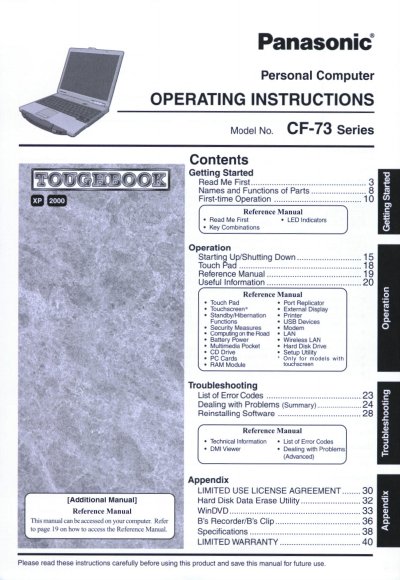
Panasonic CF73JCLTXDM Manual
This manual provides operating instructions for the Panasonic CF-73 Series Personal Computer. It includes guidance on getting started with the device, understanding names and functions of parts, and performing first-time operations.
The document also serves as a reference guide containing information on LED indicators, key combinations, touchpad usage, USB devices, modem settings, battery care, wireless LAN configuration, multimedia features, hard disk drive management, and troubleshooting steps for error codes.
All Panasonic CF-73 Series documents by type
Day-to-day operation, settings and troubleshooting. Start here if the product is already set up.
Questions answered in these manuals
What is the model number format for this computer?
The model number consists of a 12-digit code located on the bottom of the unit.
How far must an antenna be placed from people to comply with FCC rules?
The antenna must provide a separation distance of at least 20 cm from all persons.
What is the model number of this computer?
The model number is CF-73 Series.
Where can I find the serial number?
The serial number is located on the bottom of the computer.
What is the minimum required spacing between the antenna and a person's body during wireless operation?
The manual requires a minimum spacing of 1.5 cm between the antenna and all parts of a person's body, excluding the extremities of the hands, wrist, and feet.
What is the maximum total REN value allowed for devices connected to a telephone line?
In most areas, the sum of RENs for connected devices should not exceed 5.0 to ensure they ring in response to incoming calls.