
Key facts
- Brand
- Panasonic
- Model
- WV-CS574
- Documents
- 2
- Languages
- EN
- Last added
- 2012-08-08
Start here
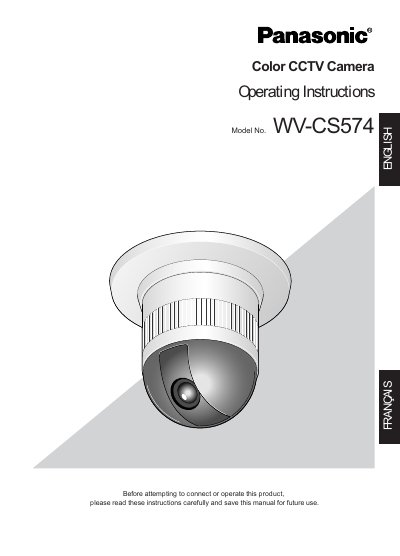
Panasonic WV-CS574 Color CCTV Camera Operating Instructions
This manual provides operating instructions for the Panasonic WV-CS574, a 1/4-type CCD color CCTV camera with a 22x zoom lens designed in a dome configuration. Key features include high sensitivity noise reduction, digital flip capability allowing tilt from 0° to 180°, privacy zone masking, patrol functions, and motion detection alarms.
Read onlinePanasonic WV-CS574 specifications
| Power Supply | 220 V‑240 V AC (WV‑CS570) / 24 V AC (WV‑CS574E) |
|---|---|
| Operating Temperature | -10 °C to +50 °C |
| Maximum Humidity | < 90 % |
| Zoom Lens | 22× optical zoom |
All Panasonic WV-CS574 documents by type
Day-to-day operation, settings and troubleshooting. Start here if the product is already set up.
Questions answered in these manuals
What is the minimum illumination level for this camera in color mode?
The new noise reduction system lowers the minimum illuminance to 1.0 lx (0.1 footcandle) in the color mode.
From: Panasonic WV-CS574 Color CCTV Camera Operating Instructions
What is the operating temperature range for this camera?
The camera should be used where the temperature is between -10°C and +50°C (14°F to 122°F).
From: Panasonic WV-CS574 Color CCTV Camera Operating Instructions
What is the power source for the camera?
The input power source is 220 V‑240 V AC for the WV‑CS570 model and 24 V AC for the WV‑CS574E model.
What safety steps should be taken before installing the camera?
Read all safety instructions, ensure the unit is earthed, turn off the mains power, and keep the camera away from rain or moisture.