
Key facts
Start here
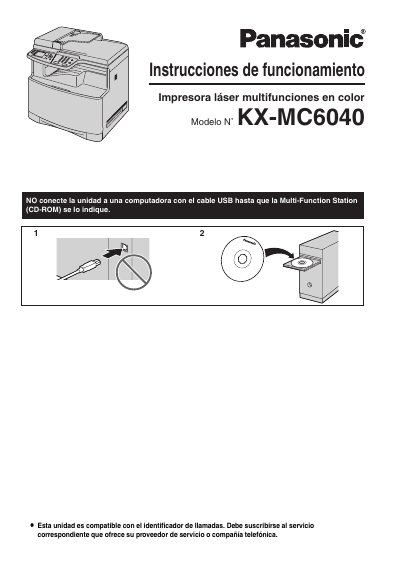
Panasonic KXMC6040-SPA Manual
This document is the Spanish-language user manual for the Panasonic KX-MC6040 color laser multifunction printer. It provides comprehensive instructions on setting up the device, including installing toner cartridges and paper trays, connecting to a computer or network, and configuring basic settings like date, time, and logo. This manual is written in Spanish.
Read onlineAll Panasonic KX-MC6040 documents by type
Day-to-day operation, settings and troubleshooting. Start here if the product is already set up.
Questions answered in these manuals
Can I use a whiteboard eraser on the glass?
No, do not use an eraser on the printer glass because it can stain.
What is the approximate weight of the printer unit?
The unit weighs approximately 30 kg (67 lb) and is recommended to be handled by two people.
What languages can be selected for the display and reports?
English or Spanish, with English as the default setting.
From: Panasonic KX-MC6040 Color Laser Multi-Function Printer Operating Instructions
How long should the power remain on after printing?
Leave the power turned on for a minimum of 30 minutes after printing.
From: Panasonic KX-MC6040 Color Laser Multi-Function Printer Operating Instructions