
Key facts
Start here
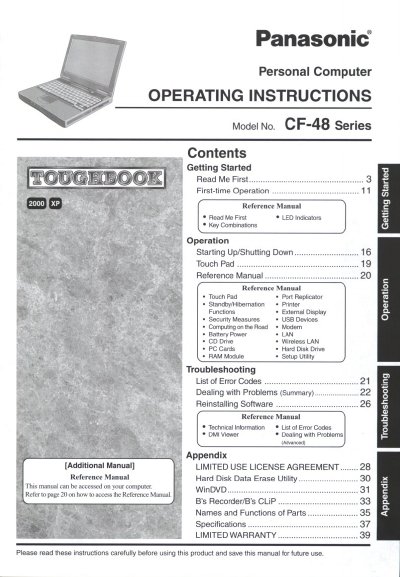
Panasonic CF-48 Series Personal Computer Operating Instructions
This document serves as the operating manual for the Panasonic CF-48 Series personal computers. It provides guidance on getting started with first-time operation, including reading initial information and performing basic tasks.
The guide details various operational functions such as starting up and shutting down the system, using the Touch Pad, managing power (battery), connecting external devices like printers and modems, and utilizing wireless LAN capabilities.
All Panasonic CF-48 Series documents by type
Day-to-day operation, settings and troubleshooting. Start here if the product is already set up.
Questions answered in these manuals
What is the model number format for this computer?
The model number consists of a 12-digit number located on the bottom of the computer.
From: Panasonic CF-48 Series Personal Computer Operating Instructions
Where can I find more detailed reference information?
Detailed reference manuals are available on the computer itself and can be accessed via the Start menu.
From: Panasonic CF-48 Series Personal Computer Operating Instructions
What is the maximum total REN allowed on a telephone line?
The sum of RENs should not exceed five (5.0) in most areas.
What size communication line cord is required to reduce fire risk?
You must use a No.26 AWG or larger telecommunication line cord.
What is the model number of this computer?
The model number for this personal computer is CF-48 Series.
How many digits are in the Model No. located on the bottom of the computer?
The 12 digit number for the Model No. is located on the bottom of the computer.