
Key facts
Start here
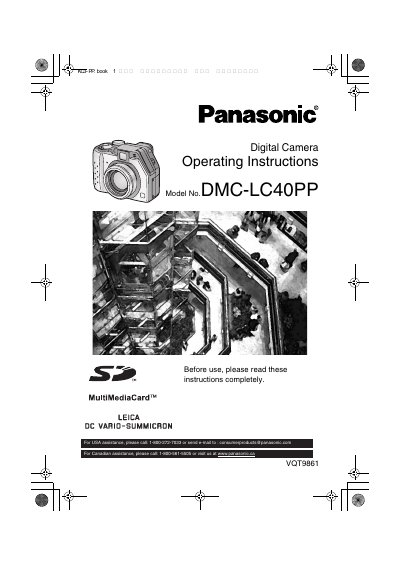
Panasonic DMC-LC40PP Digital Camera Operating Instructions
This document provides comprehensive operating instructions for the Panasonic DMC-LC40PP digital camera. It details the preparation steps, including inserting the battery and memory card, as well as adjusting the optical finder and LCD monitor. The guide explains how to turn the camera on and off, attach accessories like straps and lens caps, and use the tripod.
Read onlineAll Panasonic LC40 documents by type
Day-to-day operation, settings and troubleshooting. Start here if the product is already set up.
Questions answered in these manuals
What type of power cord is required for the US and Canada?
For units mounted on a desk or table, type SVT or SUT cord sets may be used. For units which sit on the floor, only SJT type cord sets may be used.
From: Panasonic LC40 Multi-Scan Color TFT LCD Monitor Operating Instructions
What is required for power cords in European countries?
You must use a cord set appropriate for the receptacles in your country that is HAR-Certified.
From: Panasonic LC40 Multi-Scan Color TFT LCD Monitor Operating Instructions